Is Your Website Ready for AI-Driven Discovery?

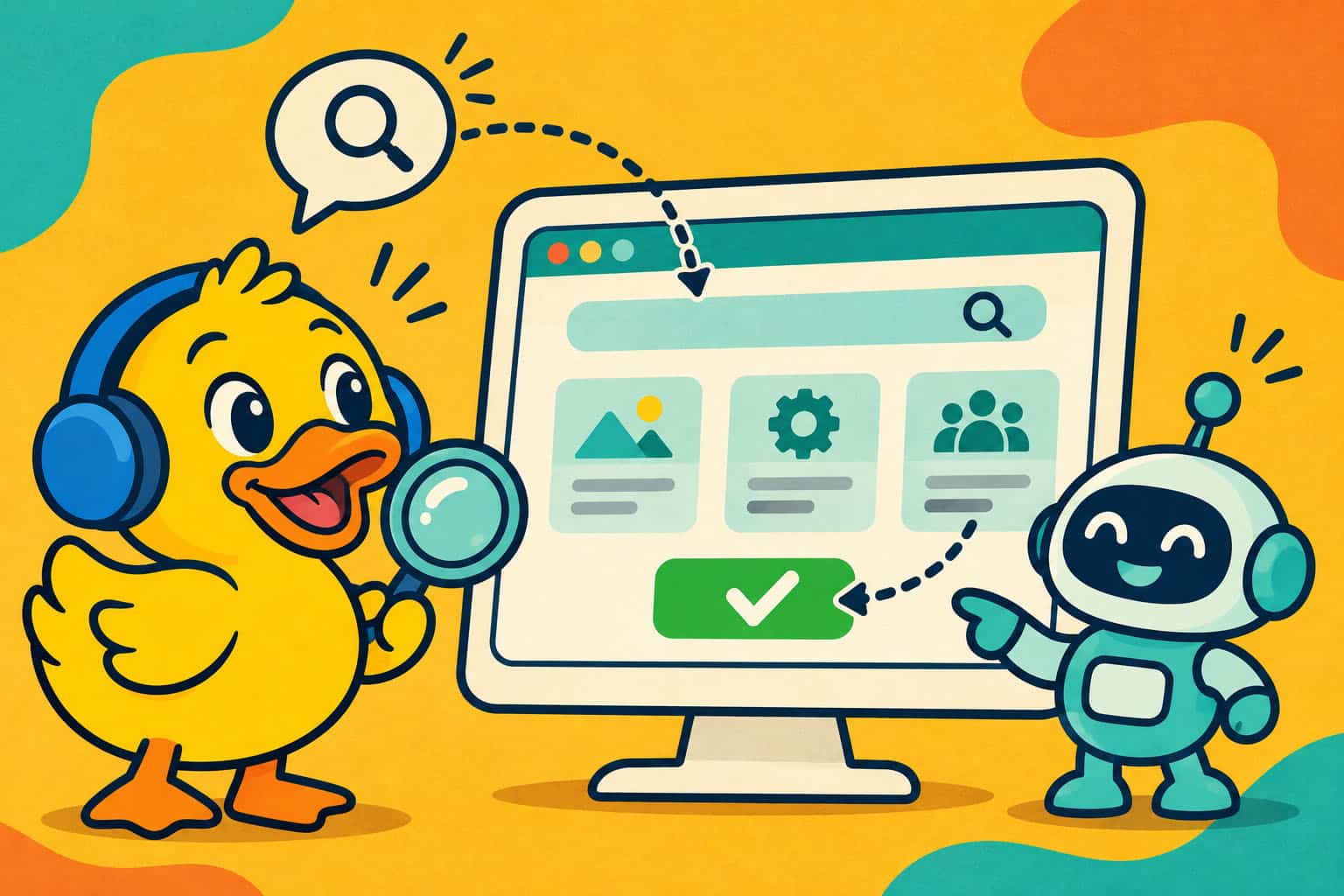
Your next potential customer might arrive with a little help from an AI assistant. They might even send one ahead to do the homework.
Instead of searching Google, opening six tabs and comparing suppliers themselves, people can ask AI tools to research options, shortlist businesses and help complete tasks.
So, here’s a question: could an AI assistant understand what your business offers, find reliable information and navigate your website successfully?
Or would it end up paddling round in circles?
What is agentic browsing?
AI-driven discovery means finding information through AI-powered search and recommendations. Agentic browsing takes things further: an assistant can interact with websites on someone’s behalf, clicking links, using filters and working through tasks.
Imagine someone asking: “Find three local companies offering website maintenance, compare their services and help me request a quote.”
Your website now needs to support two things: being discovered and being usable once an assistant arrives.
That applies to web apps too, particularly where customers search records, compare products or manage bookings.
Your AI-readiness checklist
1. Make sure your public pages can be found
Start with the foundations: important pages should be crawlable, internally linked and eligible for indexing. Check for accidental noindex settings, broken links and firewall rules blocking legitimate crawlers.
Review AI crawler access deliberately. OpenAI’s search crawler and training crawler have separate controls, so allowing search discovery does not require allowing training.
Tip: Ask your developer to check robots.txt, your XML sitemap and server responses together.
2. Explain your offer clearly
Could someone unfamiliar with your business identify your services, locations, customers and next steps without guessing?
Replace vague claims with useful specifics. Explain what a service includes, who it suits, how your process works and what affects the price.
Tip: Read a service page without its images. Does the written content still tell the whole story?
3. Give people reasons to trust you
Publish real expertise: useful advice, relevant case studies, named authors and verifiable credentials. Keep contact details and business information consistent and current.
Original examples help customers evaluate your experience. Generic content that could describe any competitor gives them much less to work with.
Tip: Answer the questions your customers actually ask before buying, including limitations and common concerns.
4. Make navigation and forms understandable
Clear headings, descriptive links, properly labelled fields and recognisable buttons help people, assistive technologies and some browsing agents understand your interface.
Avoid essential controls that only appear on hover, unexplained icons and forms that lose everything after an error.
Tip: Try completing your main customer journey using only a keyboard. It often reveals problems worth fixing immediately.
5. Keep important information accessible
Do not put your entire service explanation inside an image or make visitors download a brochure for basic details.
JavaScript-heavy websites and web apps need particular attention: different systems render and interact with them differently. Relevant structured data can add context, but it must match visible content.
Tip: Give important public content a stable, shareable URL. Keep private account information behind authentication.
6. Keep control of consequential actions
Supporting agents should not mean weakening security. Maintain authentication, permissions and protection against abuse.
For bookings, purchases or account changes, show clear summaries and appropriate confirmation steps. Make success and failure messages explicit so users can understand what happened.
Tip: Test these journeys in a safe environment using dummy data, including errors and interrupted sessions.
Use tools such as Lighthouse in Chrome DevTools to check accessibility, technical SEO and best practices, alongside agentic browsing checks where supported.
Treat the results as a starting point, then test whether an assistant can complete a real customer journey.
Also review Cloudflare, hosting firewalls and security plugins if using: your robots.txt file may allow a crawler while a security rule still blocks or challenges it. Check Cloudflare’s AI crawler and agent policies and request logs to ensure the search crawlers and browsing agents you want to welcome can reach your public content. Make those choices selectively; you can support AI discovery while maintaining separate restrictions on training crawlers and protecting private areas.
Start with one real customer task
You do not need to rebuild everything tomorrow. Choose one valuable service page and one common task, such as finding relevant information and preparing an enquiry.
Test what an assistant can discover and where it struggles. Repeat after improvements; one successful attempt does not prove universal compatibility.
Measure useful outcomes too: qualified enquiries, completed journeys and sales, alongside traffic and referrals.
Get your ducks in a row
There is no guaranteed shortcut to AI recommendations. Strong technical foundations, useful content and straightforward customer journeys remain sensible investments.
At Rubber Duck Digital, our digital marketing services bring together technical SEO, content and ongoing optimisation, supported by our web development experience.
If your website needs a clearer route from discovery to enquiry, let’s have a conversation.



About Us
